One-time upgrade
Optional, paid once through Google Play. No subscription, nothing to renew or cancel.
Everything you need to scan, read, search, organize, sign, share and back up your documents is free, with no ads, no account and no watermark. Kopi Scan Pro is an optional one-time upgrade — no subscription, nothing to renew.
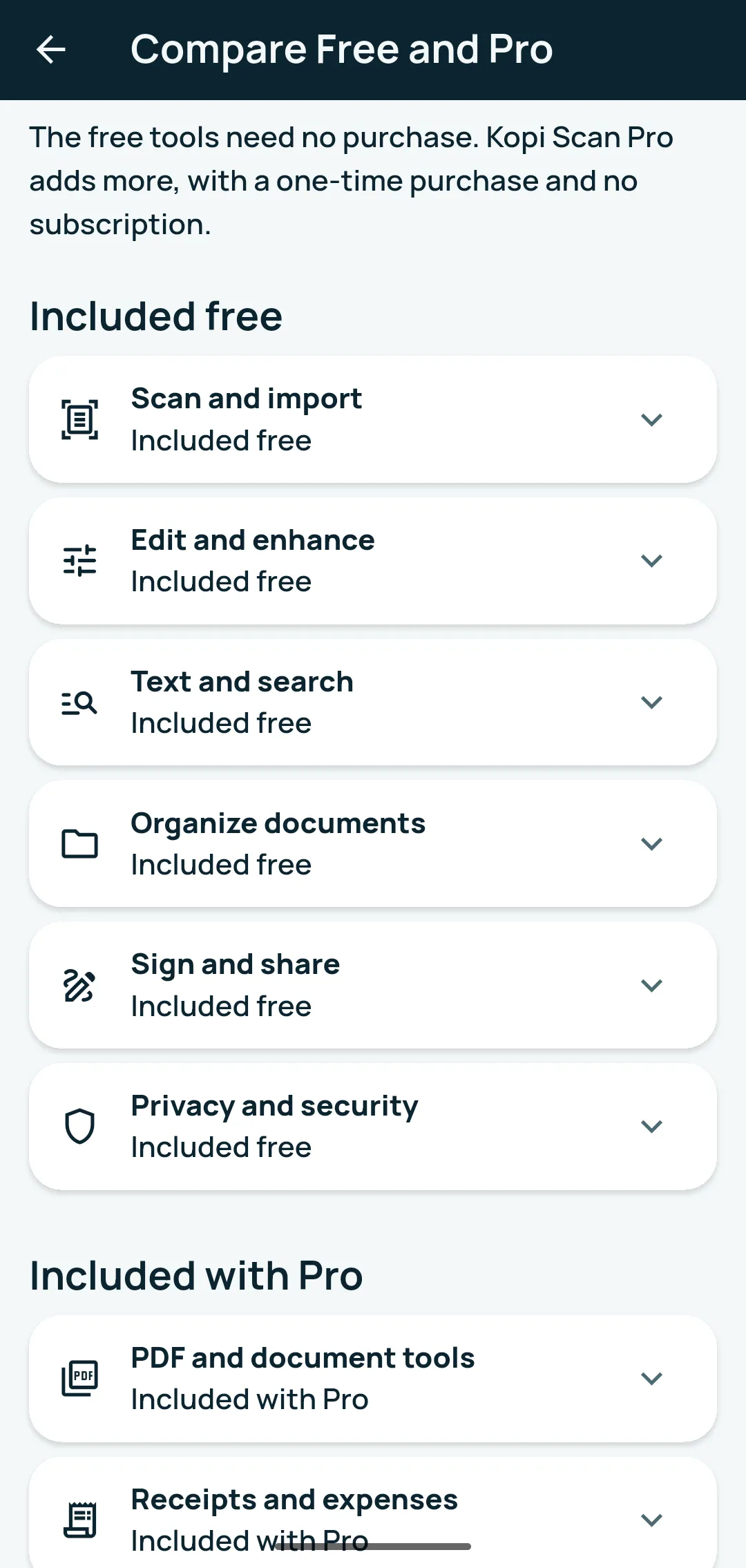
Optional, paid once through Google Play. No subscription, nothing to renew or cancel.
Pro uses your Google Play account. Kopi Scan has no account of its own.
Pro tools work on your phone, offline, like the free ones. Kopi Scan never uploads your documents.
Pro adds tools inside the app you already have. Your documents, folders and settings stay as they are.
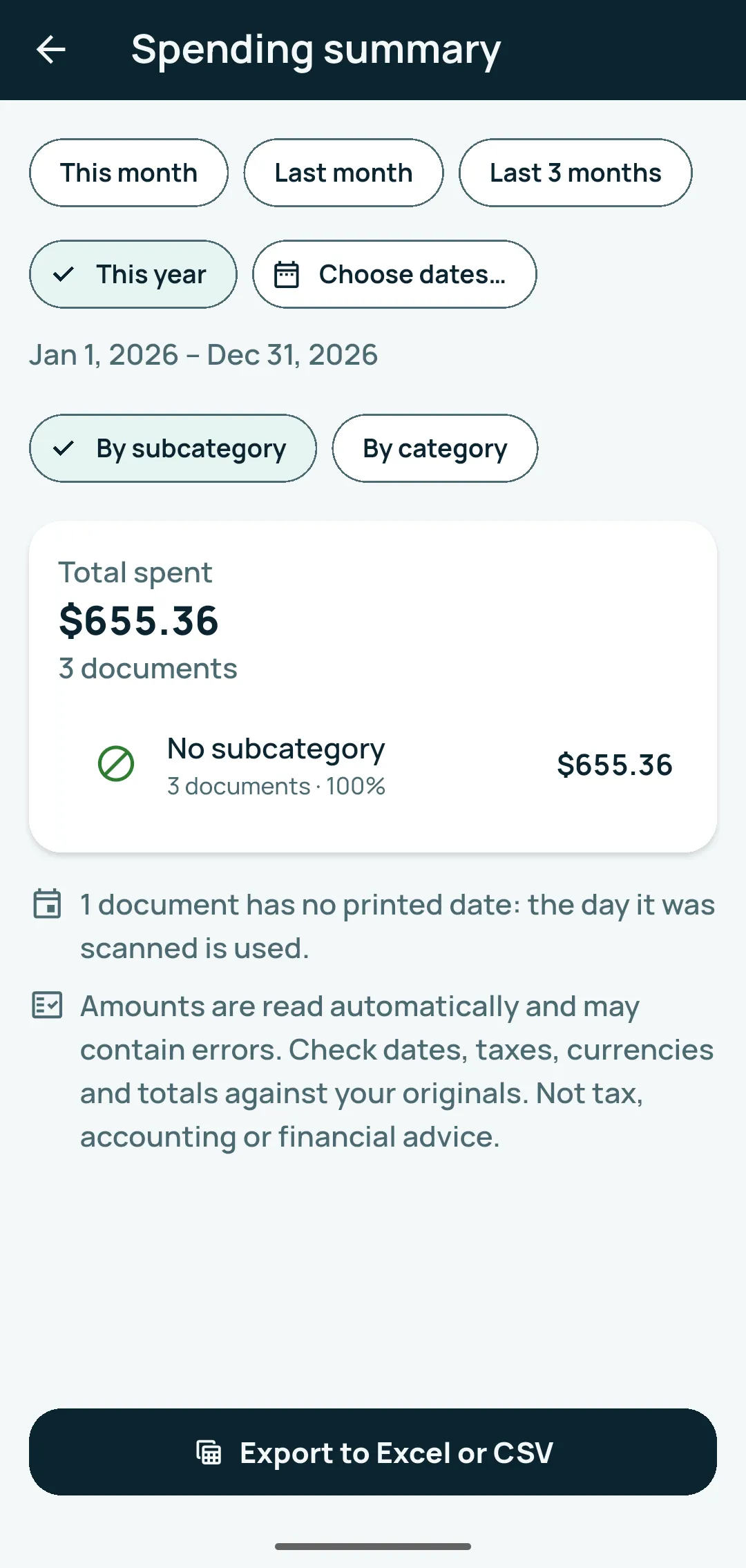
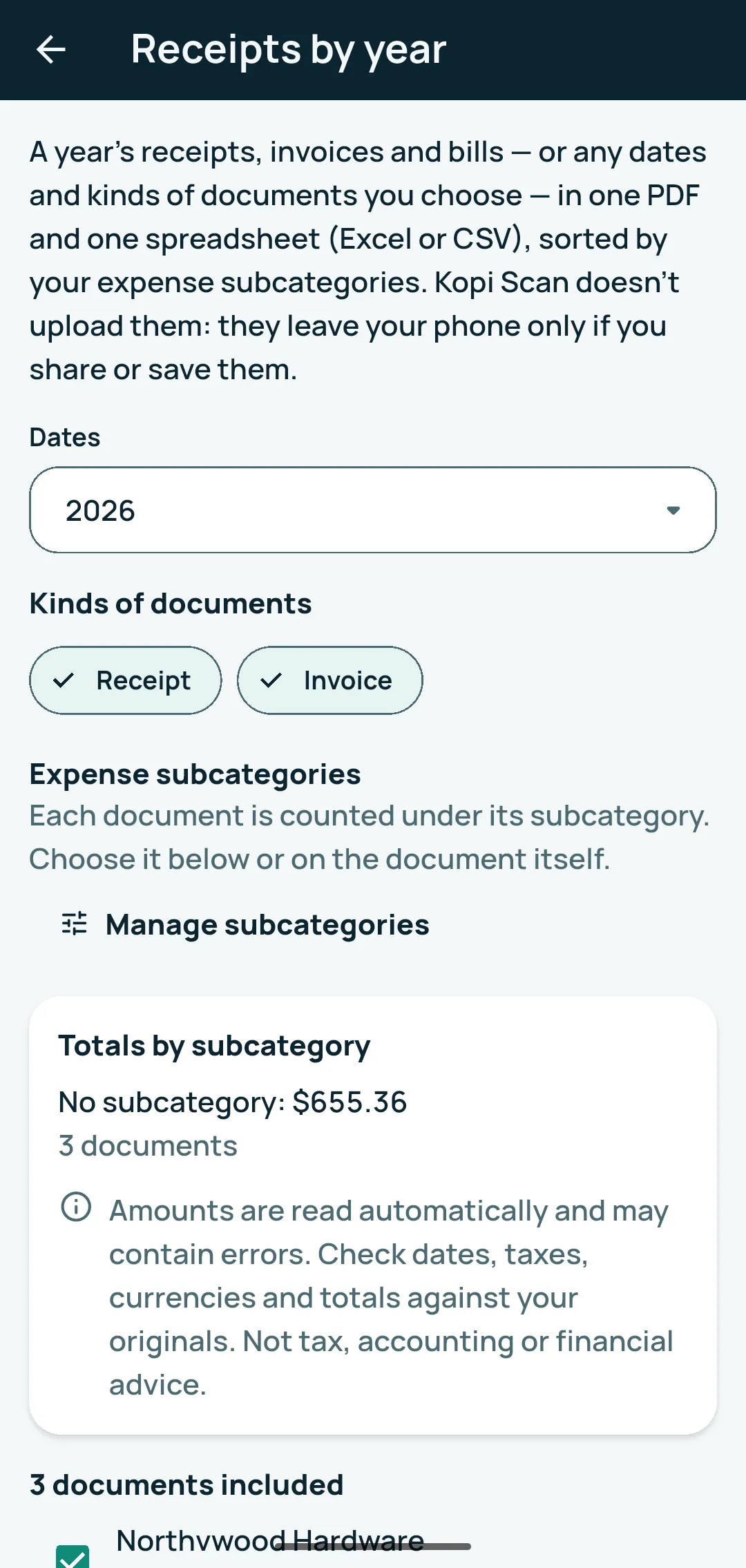
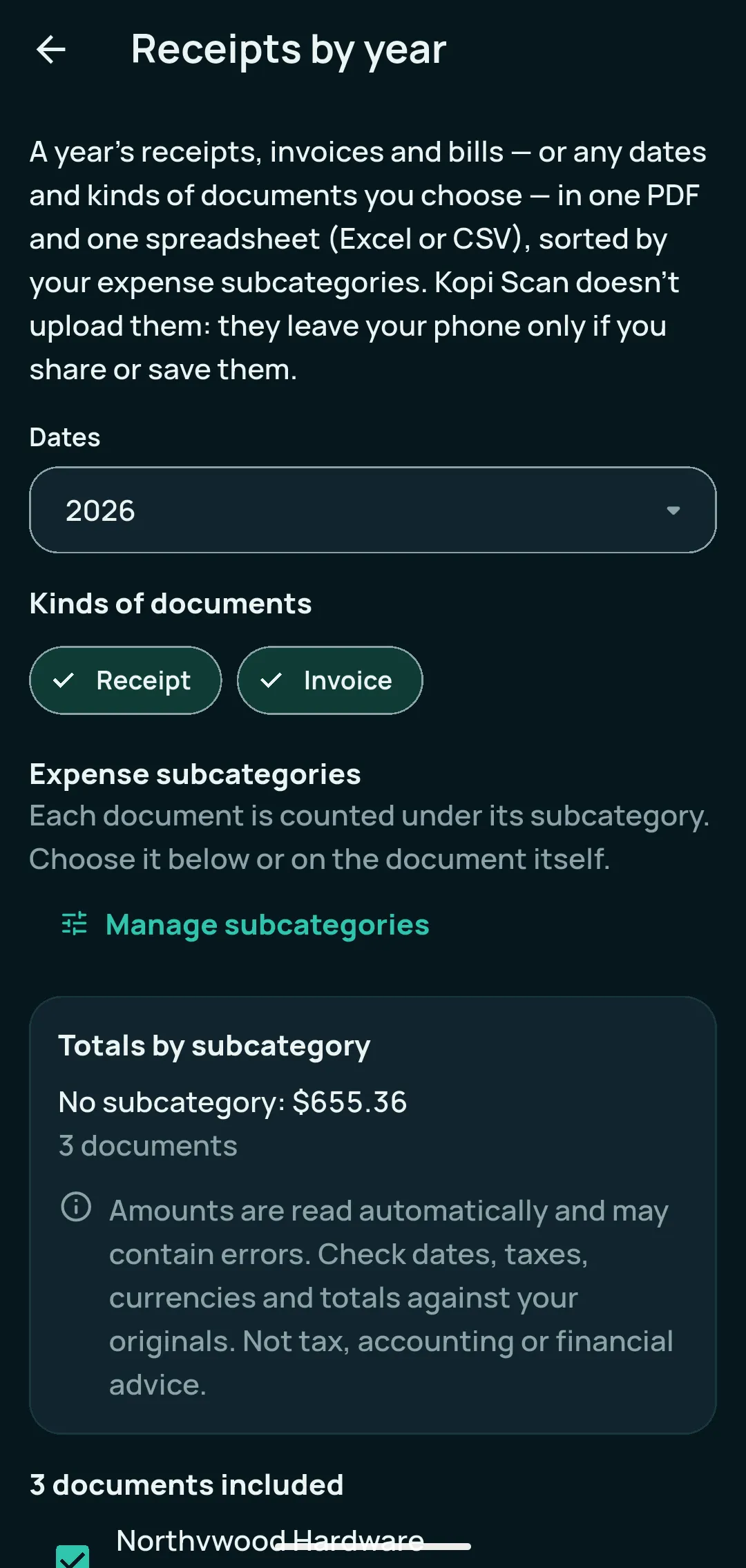
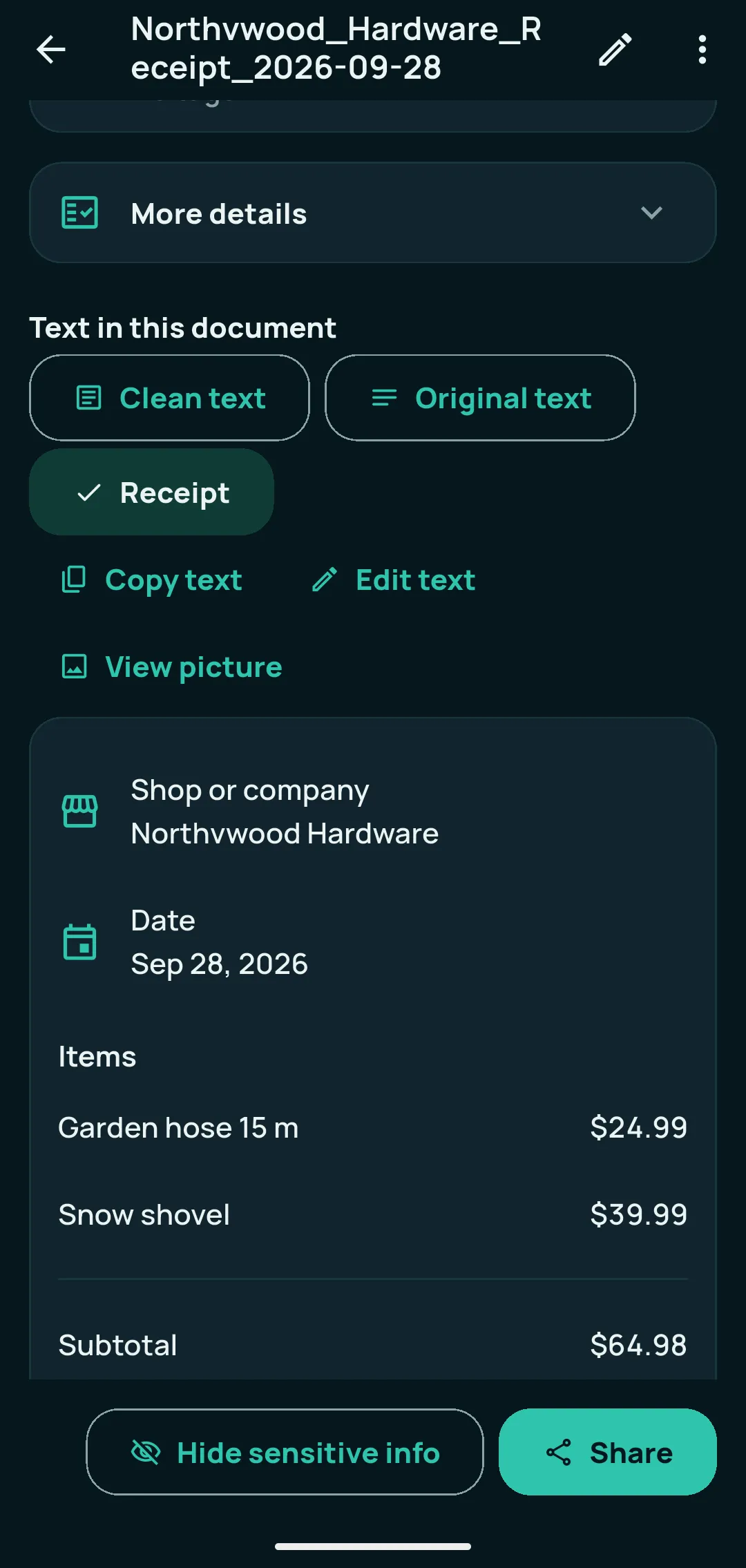
Receipt and invoice details — subtotal, taxes, total, payments, due date — with Copy all and CSV; expense subcategories; the Spending summary with Excel and CSV export; Receipts by year as one PDF plus one spreadsheet.
Combine documents, take out pages, share with page numbers, share a PDF that opens only with your password (one document or several as one locked PDF), clean copy, tables to a spreadsheet, and book page splitting while you review a scan.
A folder whose documents open only with your fingerprint, face or phone PIN. While locked, they are listed by name and date only. Stop protecting stays free for everyone.
Dates found on receipts, bills and IDs become reminders you set: return windows, warranties, ID expiry, bills due. You choose the date and how many days before. A helper, not a guarantee.
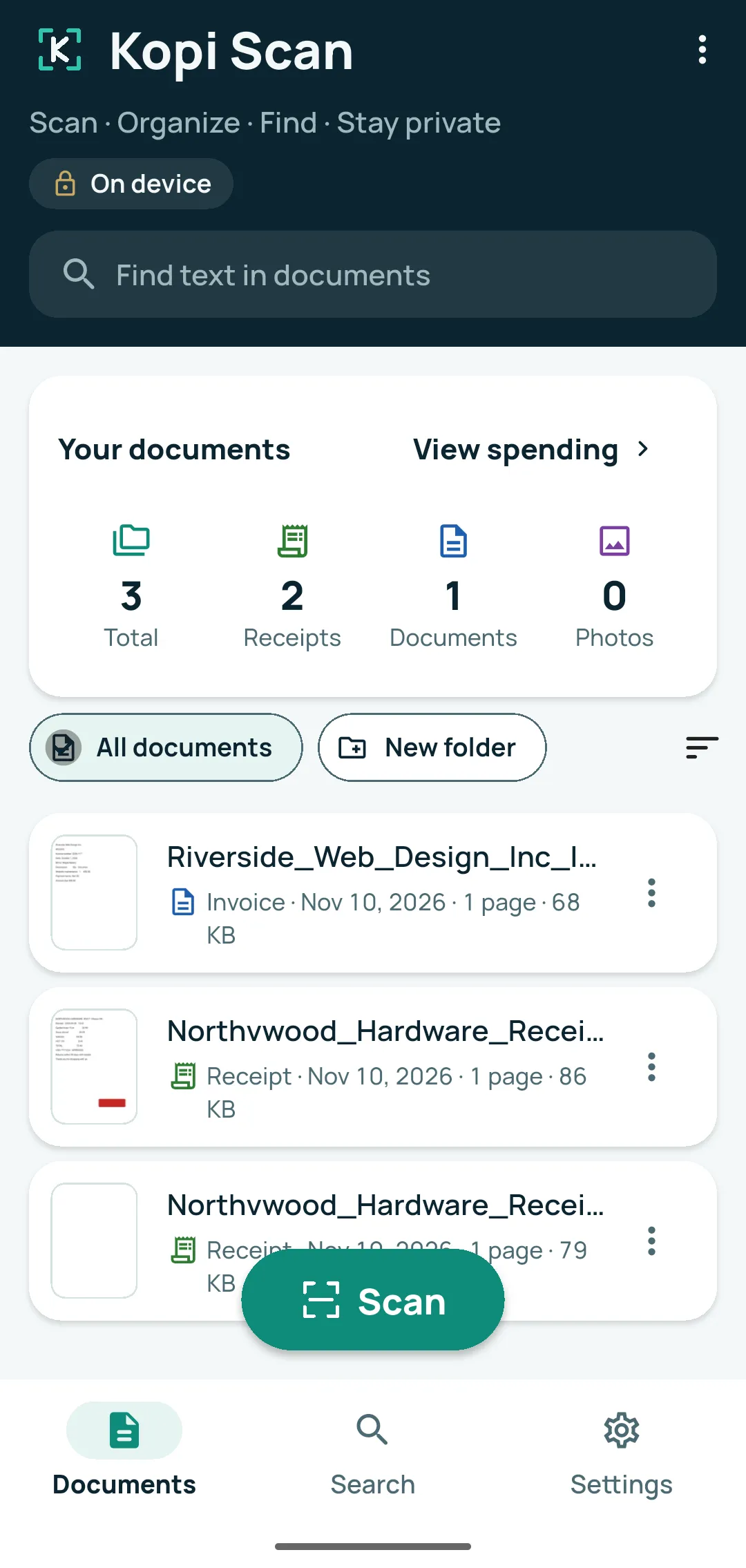
Real screens with Pro turned on. Every document shown is invented for the pictures.
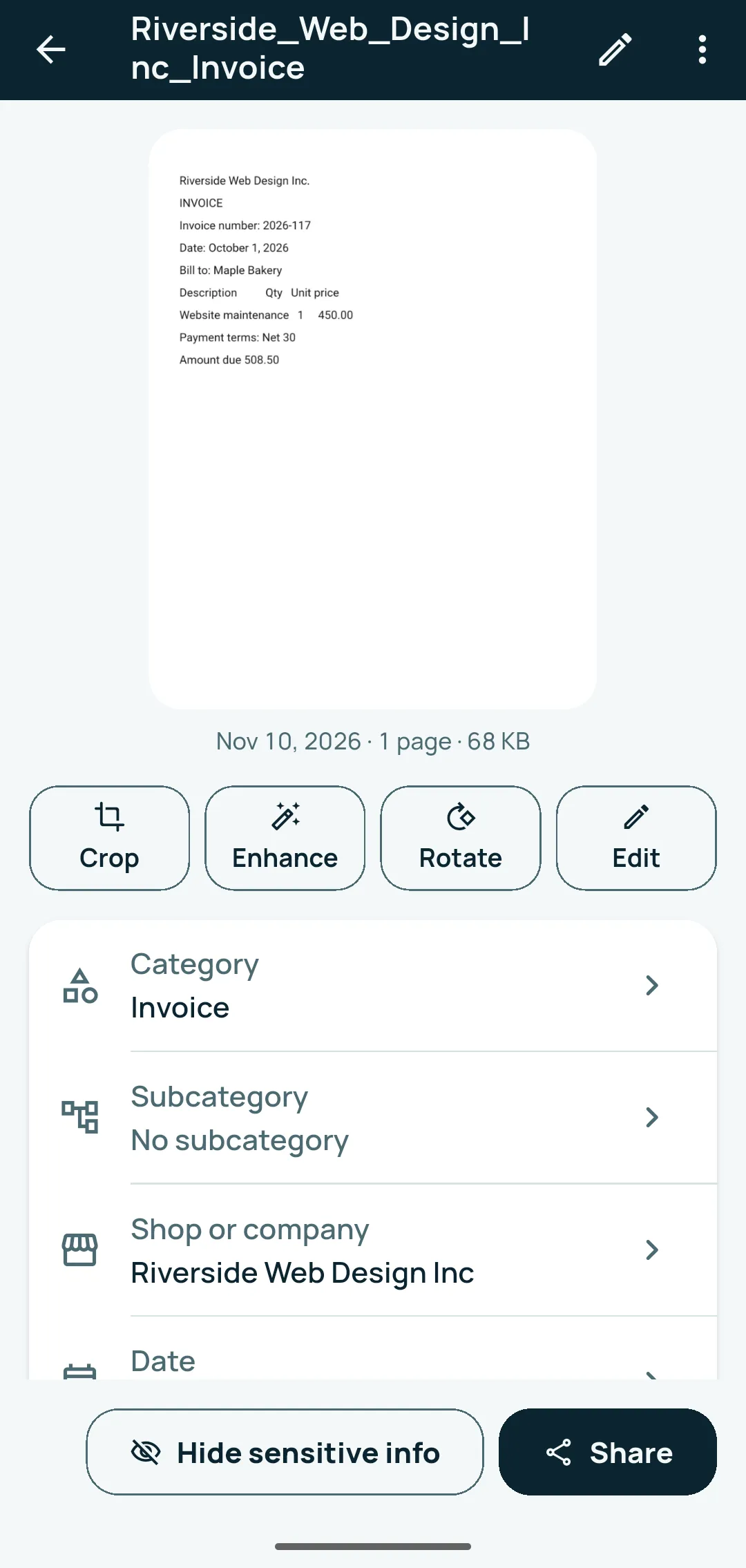
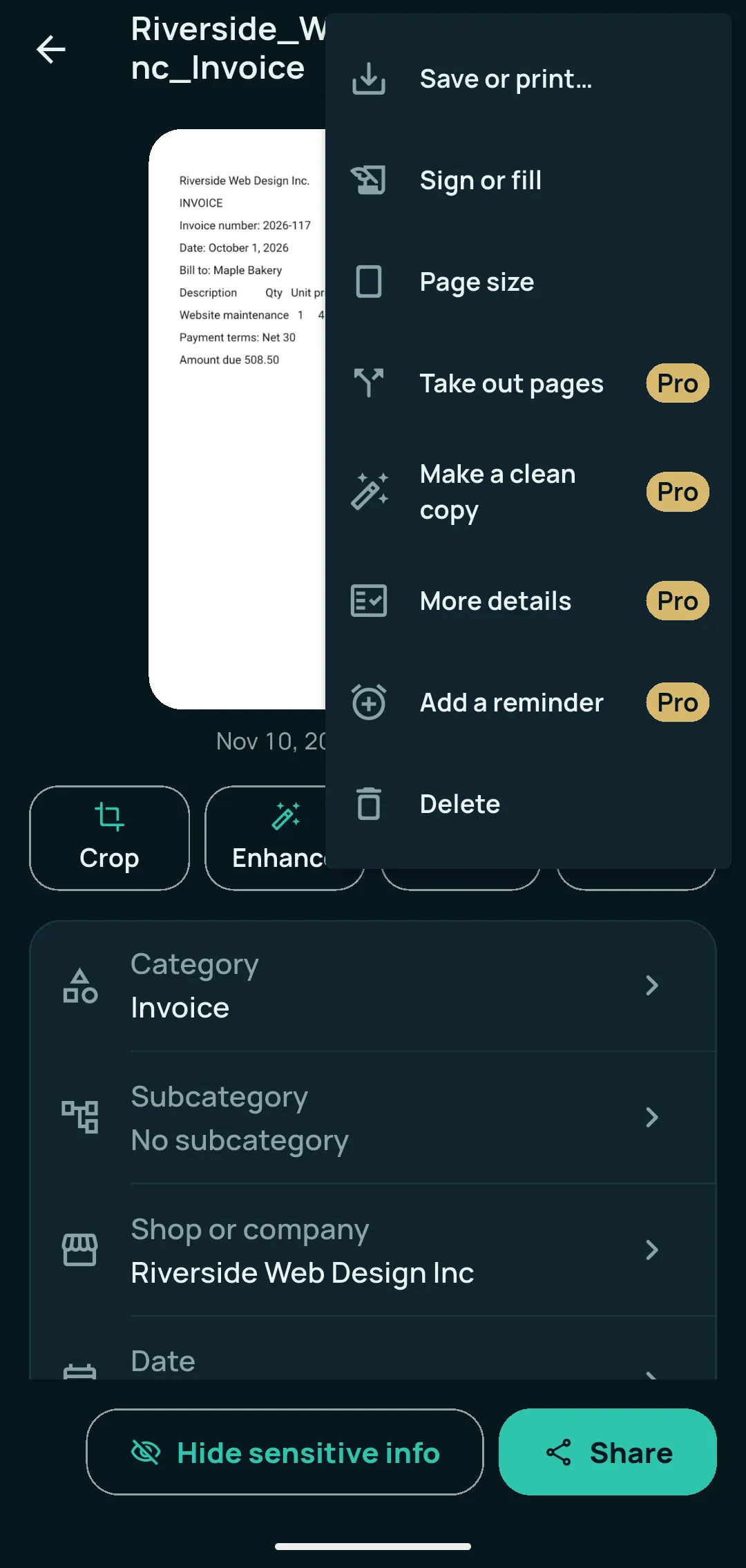
No ads, no account, no watermark, no page limit.
Free means the whole workflow, not a trial.
More tools inside the same app, for people who deal with receipts, bills and long PDFs.
One-time upgrade · No subscription · No recurring billing
Everything in Free stays free. Pro also adds Clean copy, tables to a spreadsheet, book page splitting and reminders.
| Area | Free | Kopi Scan Pro |
|---|---|---|
| Scan and import | Free Camera scan with automatic edges, crop and straighten; multi-page with no page limit; import photos and PDFs; share to Kopi Scan; unsaved scans kept | Everything in Free |
| Edit pages | Free Crop, rotate, looks and light, erase marks, reorder/retake/delete, page size, front and back on one page | Pro Split a two-page book spread |
| Text and search | Free Text recognition on the phone, search inside documents, Copy text, Edit text, Clean and Original text, searchable PDFs | Everything in Free |
| Receipts | Free Receipt view: shop, address, date and items with prices | Pro Details: subtotal, taxes, total, payments, due date; Copy all; CSV |
| Expenses | Free — | Pro Expense subcategories, Spending summary, Excel and CSV export, Receipts by year |
| Share and PDF | Free PDF, JPG, PNG or text; save; print; Compact/Balanced/High quality | Pro Combine documents, take out pages, page numbers, password-protected PDFs, several documents as one locked PDF, clean copy, tables to a spreadsheet |
| Sign | Free Sign & fill, your saved signature | Everything in Free |
| Organize | Free Folders, tags and categories, suggested names, grouping by type, month and shop, Recently deleted | Pro Reminders: warranties, returns, ID expiry, bills |
| Privacy | Free Encrypted storage, app lock, block screenshots, Hide sensitive info, Privacy Dashboard, Delete all my data | Pro Protected folders |
| Backup | Free Encrypted backup to a folder you choose, automatic backup, Recovery Key, restore | Everything in Free |
In the app, “Compare Free and Pro” shows the same list, with no price and no buy button.
Amounts on receipts, invoices and bills are found automatically and may contain errors: check them against your originals. Pro adds tools inside the same app; nothing in Free changes.
The Pro purchase terms are in the Terms of Use.
Kopi Scan Pro is an optional one-time upgrade inside the app, with no subscription.
For Android 7.0 or newer.