Everything Kopi Scan does
A complete list, labelled Free or Pro, with what each feature needs and where it stops. Kopi Scan runs on Android 7.0 or newer; core features work offline.
Scan and import
Turn paper into clean, straight pages in seconds.
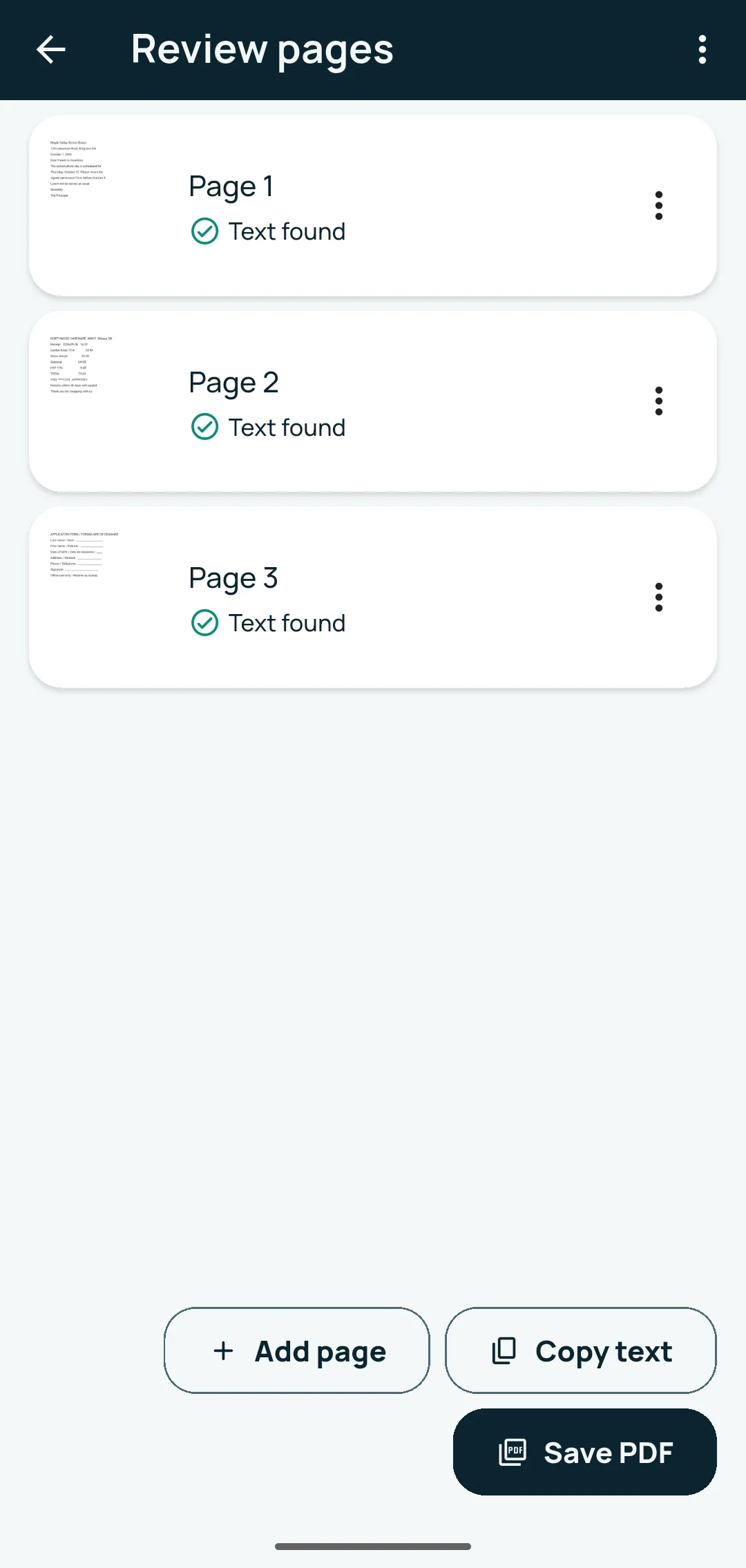
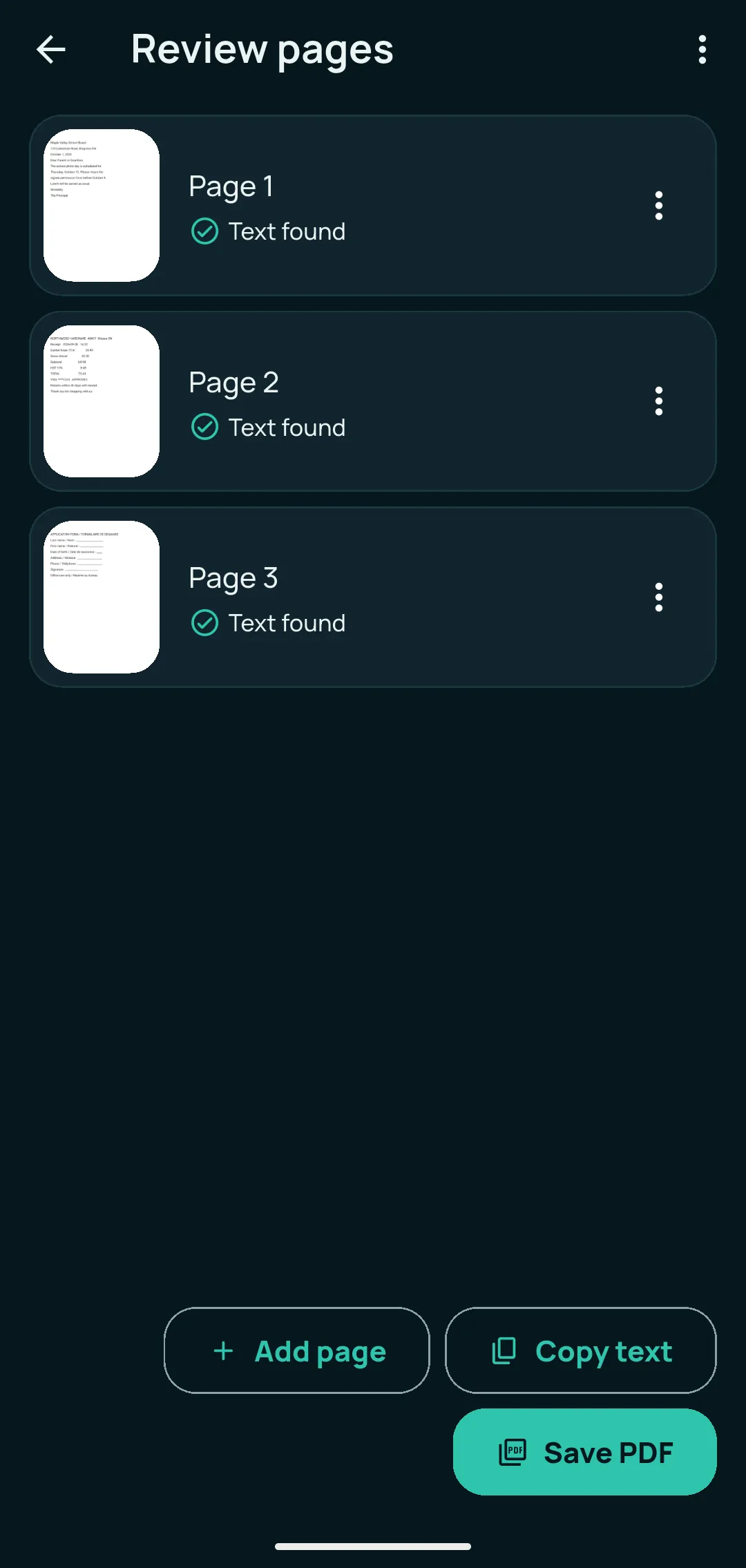
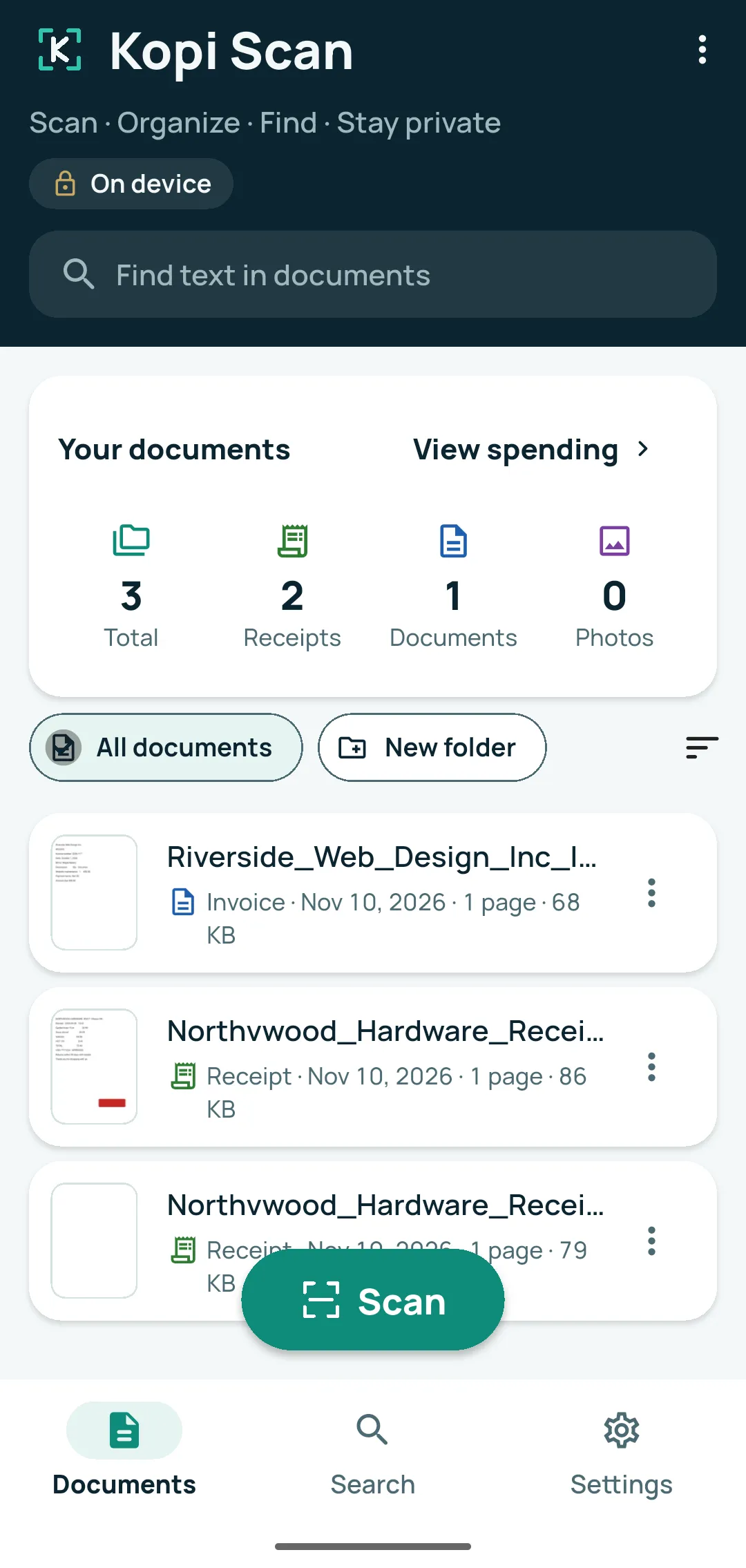
Tap Scan and Kopi Scan finds the page edges, then crops and straightens each page. Add as many pages as you need — the app sets no page limit — and reorder, retake or delete pages before you tap Save PDF. You can also import photos from your gallery, import existing PDFs, or share photos and PDFs to Kopi Scan from other apps. If the app closes in the middle of a scan, your pages are offered back.
- FreeCamera scan with automatic edges, crop and straighten
- FreeMulti-page scanning, no page limit set by the app
- FreeImport photos from the gallery
- FreeImport PDFs and make them searchable
- FreeShare photos and PDFs to Kopi Scan from other apps
- FreeUnsaved scans kept safe if the app closes
Platform and compatibility
Android 7.0 or newer. On phones with Google Play services and at least 1.7 GB of memory, the scanning screen is Google’s document scanner, which Google Play services may download once while you are online. Other phones use Kopi Scan’s own camera: take the photo, then drag the corners to the page. PDFs locked with a password, or damaged, can’t be imported; the app tells you why. Phone storage is the only limit on pages.
Edit and enhance
Make faded, dark or crooked scans easy to read.
Edit page lets you crop, rotate and choose a look — Colour, Grey, Black & white or Photo — with auto-enhance, brightness and contrast. Erase marks brushes away stains or fingerprints using the paper colour. Choose the page size: Letter, A4, Legal or the original shape. For ID and business cards, put the front and back on one page. Pages with real colour, such as logos and stamps, stay in colour automatically.
- FreeCrop and rotate
- FreeLooks and light: auto-enhance, brightness, contrast, Colour / Grey / Black & white / Photo
- FreeErase marks
- FreeReorder, retake and delete pages, with Undo
- FreePage size: Letter, A4, Legal or original shape
- FreeFront and back on one page (ID and business cards)
- ProBook pages: split a two-page spread into two pages
Platform and compatibility
Android 7.0 or newer; works offline. After a page edit, the page’s text is read again (the app warns you first). “Put front and back on one page” and the book split work while you review a scan, before saving; to split a spread you place the line on the fold yourself. Erase marks is for clean-up, not for hiding information — use Hide sensitive info for that.
OCR and search
Find any document by a word printed inside it.
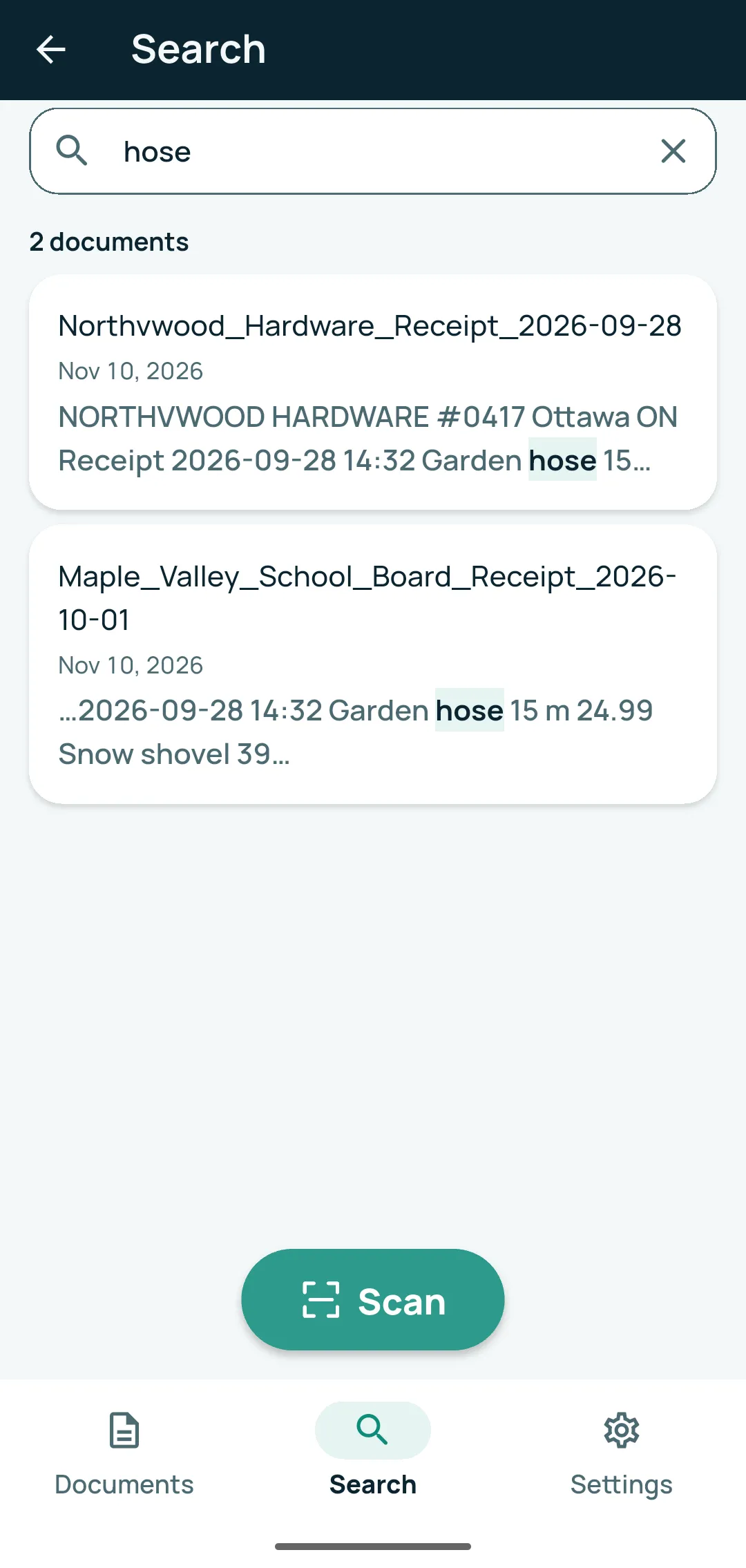
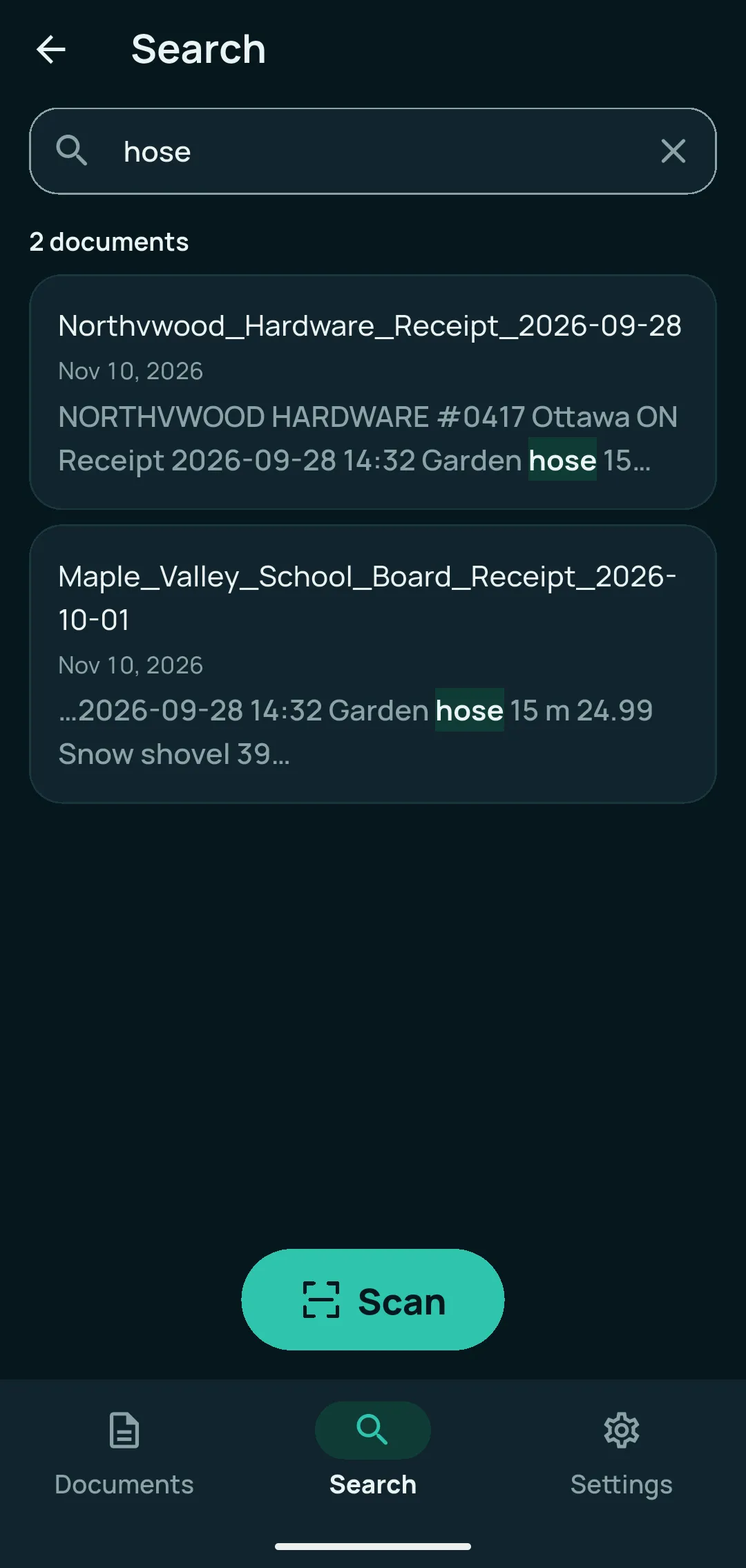
Kopi Scan reads the text on every page, on your phone — printed English, French and other languages written in the Latin alphabet. Search all your documents by a word inside them; capitals and accents don’t matter. Copy text in one tap, correct a misread word with Edit text, and switch between Clean text and Original text. Shared PDFs carry invisible text, so other apps can search them too — and there is no watermark.
- FreeOn-device text recognition (OCR): English, French and other Latin-script languages
- FreeSearch inside your documents
- FreeCopy text in one tap
- FreeEdit text to correct a misread word, with Undo my edits
- FreeClean text and Original text views
- FreeSearchable PDFs with no watermark
Platform and compatibility
On Android, text is read by Google’s ML Kit text reader, which is included in the app and works offline from the first scan. Printed text only; other alphabets (for example Arabic or Chinese) are not read. Reading text from a photo isn’t always perfect, so check important words. Your corrections are used by search and in shared PDFs; the page picture never changes.
Organize documents
Keep your documents easy to find.
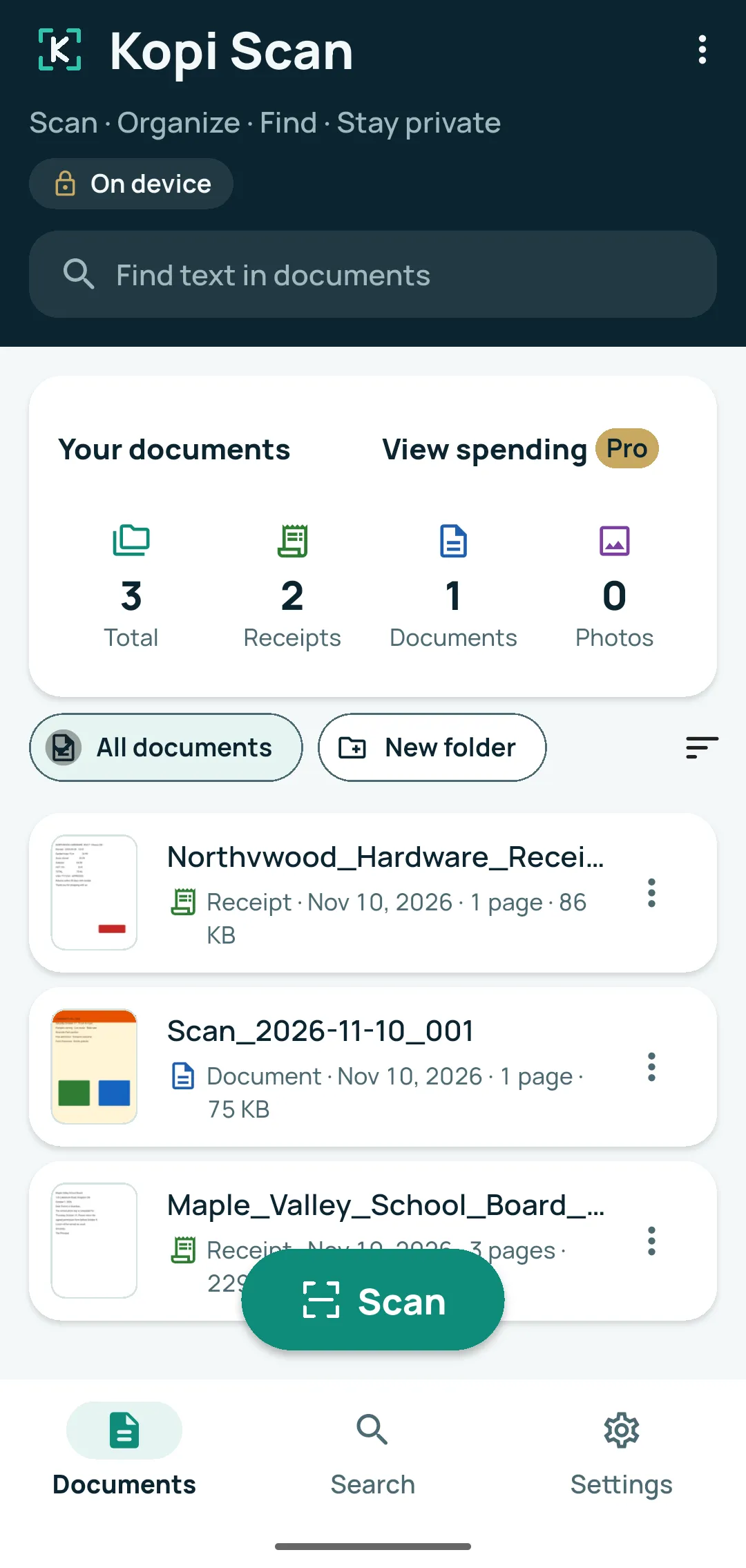
Each new document gets a suggested name and type — such as receipt, invoice, bill or letter — in English or French. Change it any time, or turn suggestions off. Keep documents in folders, add tags and categories, and browse receipts by month or by shop. Sort by date or by name. Deleted something by mistake? Recently deleted keeps documents for 30 days, so you can restore them. With Kopi Scan Pro, dates found on receipts, bills and IDs can become reminders you set.
- FreeSuggested names and document types (English and French)
- FreeFolders (one level)
- FreeTags and categories, built-in plus your own
- FreeGrouping by type, month and shop; sort by date or name
- FreeRecently deleted (30 days) and Undo
- ProReminders: warranty, return, ID expiry and bills
Platform and compatibility
Android 7.0 or newer; works offline. Suggestions follow simple rules and aren’t always right. Deleting a folder keeps its documents. Reminders: Kopi Scan asks for permission to show notifications when you set your first reminder; a reminder is a helper, not a guarantee, and the suggested dates can be changed.
Sign and share
Sign a form on your phone, then send it in the format people need.
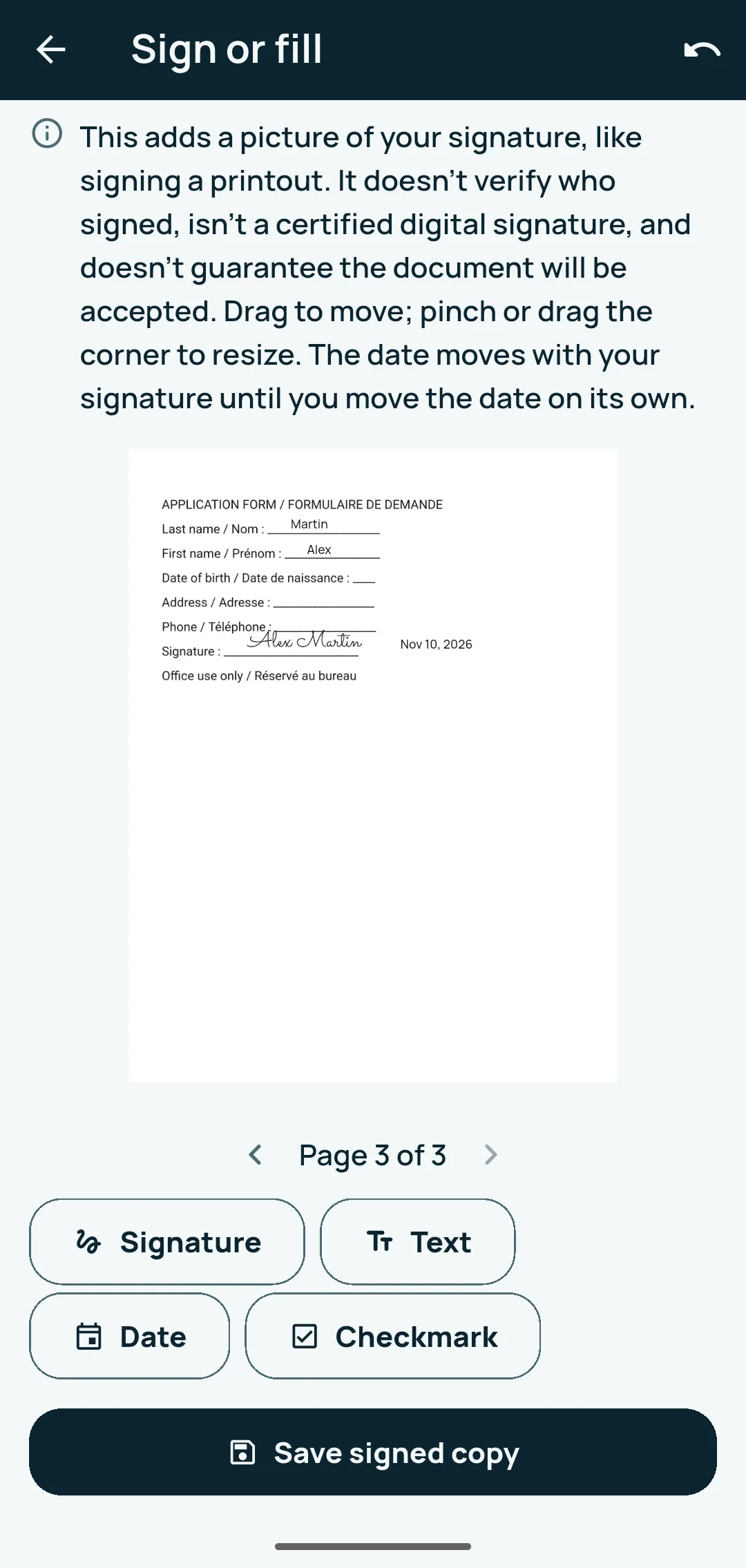
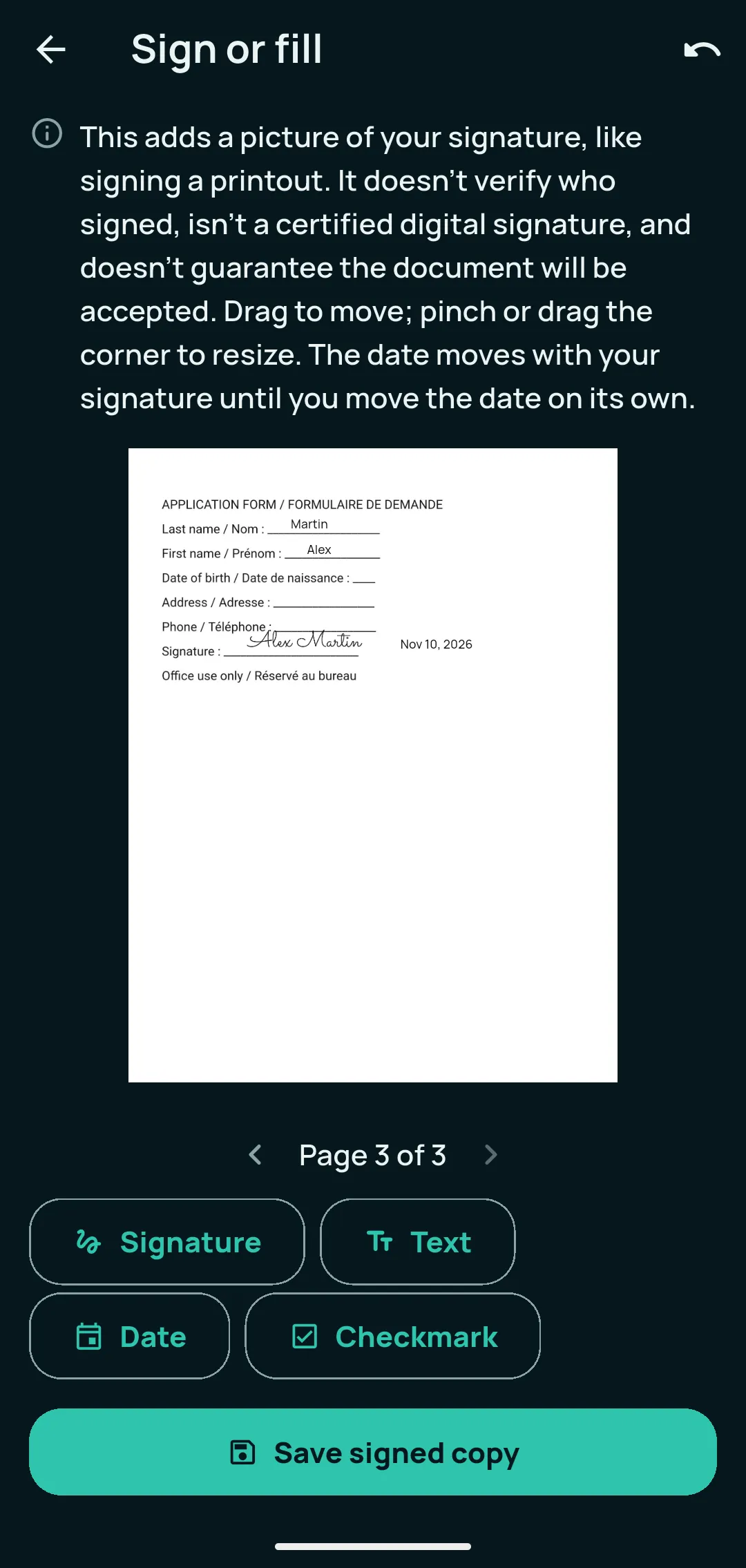
Open a document, choose Sign or fill, and add your signature, text, a date or a checkmark. Drag each item into place and resize it, then tap Save signed copy: Kopi Scan saves a new document and the original doesn’t change. Make your signature once — draw it, scan it from paper or type your name; it is kept encrypted on this phone only. Share a document as a PDF, as JPG or PNG pictures, or as text only; save a PDF to your phone or print it through your phone’s print service. Choose Compact, Balanced or High quality to keep files small while the text stays sharp.
- FreeSign & fill: signature, text, date or checkmark, saved as a signed copy
- FreeYour signature: draw, scan from paper or type
- FreeShare or save as PDF, JPG, PNG or text
- FreePrint through the phone’s print service
- FreeSmall PDFs: Compact, Balanced or High quality
Platform and compatibility
Android 7.0 or newer; works offline. Sign & fill places a picture of your signature on the page, like signing a printout. It isn’t a certified digital signature, and whether it is accepted depends on who receives the document. Your signature never goes into backups. Printing uses a printer your phone’s print service can reach. Temporary copies made for sharing are deleted afterwards; once you share a copy, the app you share it with decides what happens to it.
Receipts and expenses
See each receipt clearly, and what your receipts add up to.
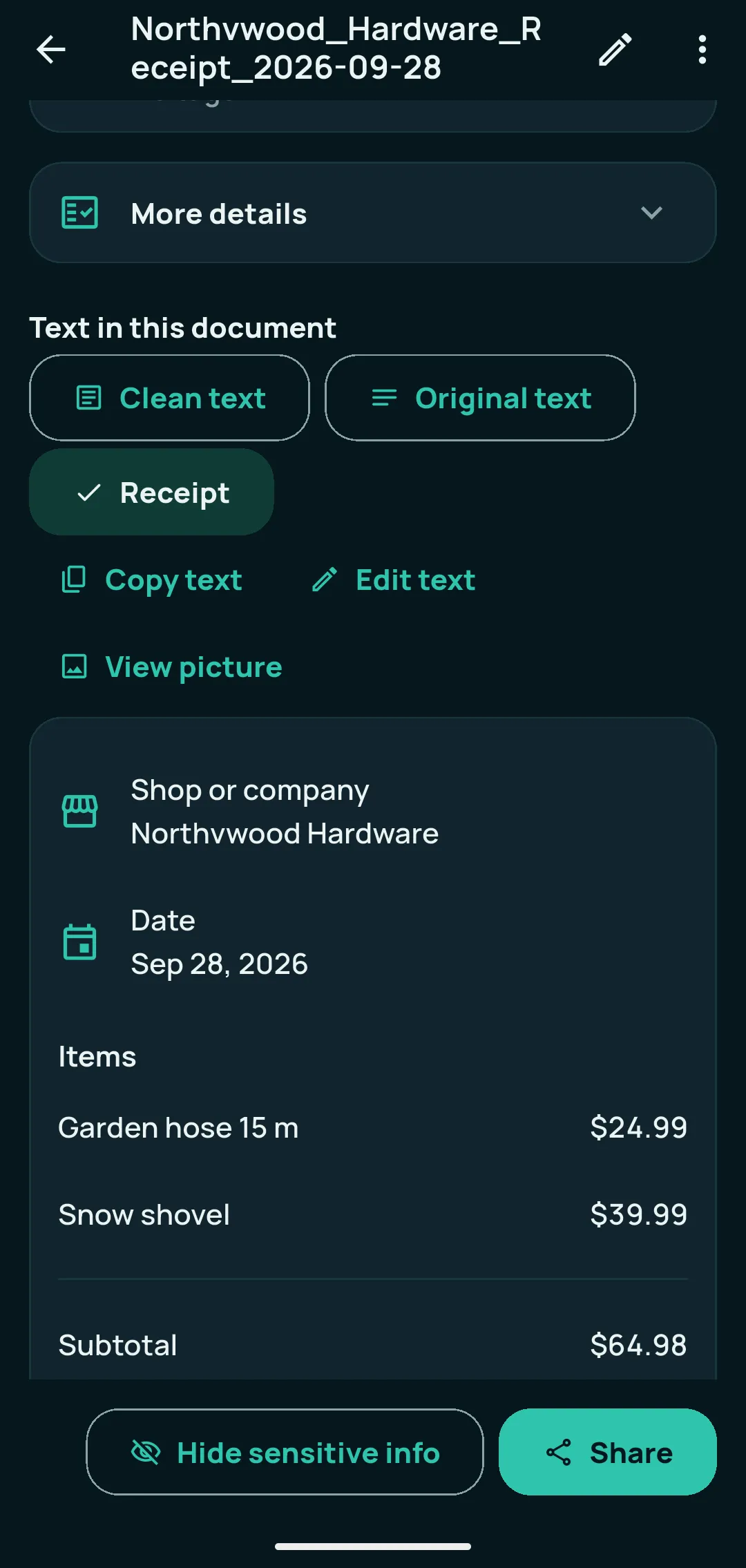
Open a receipt and choose the Receipt view to see the shop, address, date and each item with its price — free for everyone. You can correct a line in place. With Kopi Scan Pro, Details adds the money: subtotal, taxes, total, payments and due date on receipts, invoices and bills, ready to check, copy with Copy all, or save as a spreadsheet. Sort receipts into expense subcategories (11 built in, plus your own), see totals by subcategory or category for the dates you choose, export to Excel or CSV, or use Receipts by year to get one PDF and one spreadsheet for any dates.
- FreeReceipt view: shop, address, date and items with prices
- ProDetails: subtotal, taxes, total, payments, due date; Copy all; CSV
- ProExpense subcategories (11 built in, plus your own)
- ProSpending summary by subcategory or category, for the dates you choose
- ProExcel and CSV export of spending
- ProReceipts by year (or any dates): one PDF plus an Excel or CSV file
Platform and compatibility
Android 7.0 or newer; works offline. Details are found automatically from the page text — check them before you rely on them. Amounts that don’t add up are marked “Check this”, never changed. Check every amount — you are responsible for how you use them. Amounts in different currencies are never added together, and documents without an amount are listed separately, never guessed.
Privacy and security
Privacy controls you can see and use.
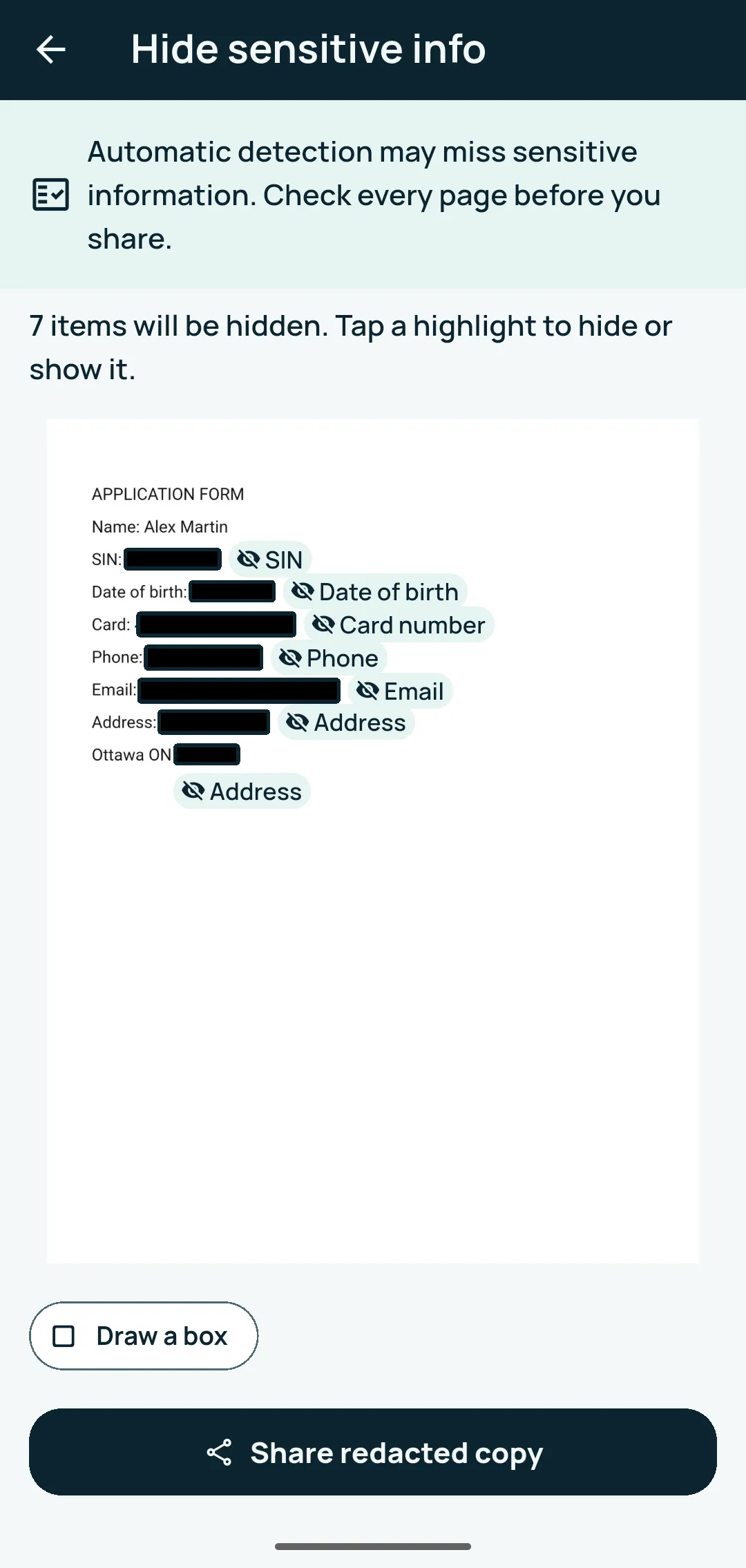
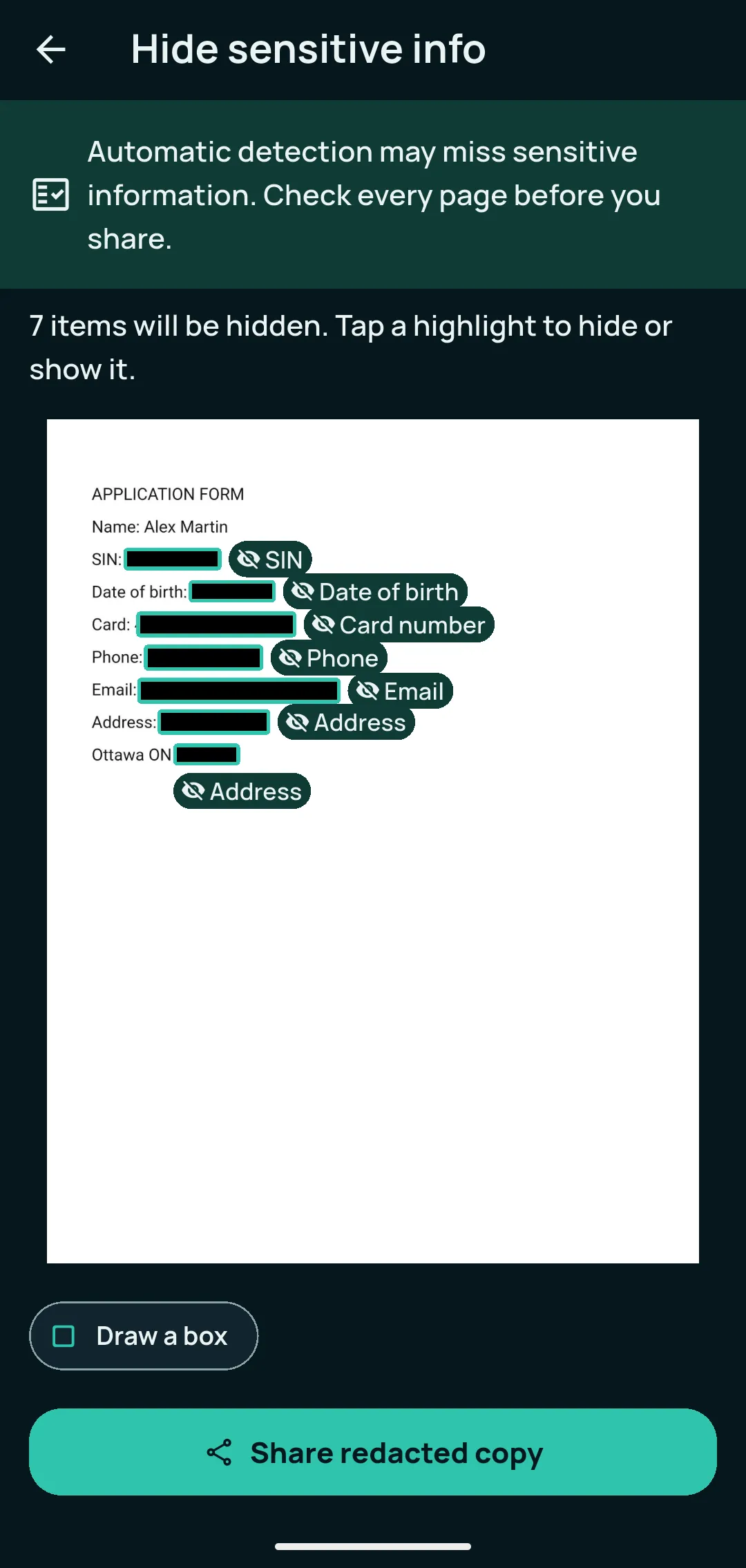
Your documents are stored encrypted on your phone, and Kopi Scan never uploads them. Lock Kopi Scan with your fingerprint, face or phone PIN, and block screenshots of your documents. Before you share, Hide sensitive info finds and blacks out items such as card numbers, SIN, dates of birth, phone numbers, emails and addresses, in a new copy. The Privacy Dashboard shows what is stored on this phone, and Delete all my data erases your documents and their data in one step. Keep an encrypted backup in a folder you choose, with a password and a Recovery Key, and restore it on this phone or a new one. With Kopi Scan Pro, protected folders open only with your fingerprint, face or PIN.
- FreeEncrypted storage on the phone
- FreeWorks offline; no ads, no account, no internet permission
- FreeApp lock with fingerprint, face or phone PIN
- FreeBlock screenshots
- FreeHide sensitive info (redacted copy)
- FreePrivacy Dashboard and Delete all my data
- FreePhoto location and camera data removed from saved pages
- FreeEncrypted backup to a folder you choose, automatic weekly or daily while charging
- FreeRecovery Key and restore on this or a new phone
- ProProtected folders
Platform and compatibility
Android 7.0 or newer. App lock and Block screenshots are off until you turn them on; app lock uses your phone’s own screen lock and is a gate, not separate encryption. Automatic detection in Hide sensitive info can miss things — check every page before you share. Delete all my data is permanent and asks you to type DELETE first. Backup is off until you turn it on. Each backup is encrypted with your password: only your password or Recovery Key opens it; choose a strong password and keep both safe, since no one can recover them for you, not even VMSTA. If the backup folder belongs to a cloud app, that app uploads the encrypted file — Kopi Scan doesn’t. Protected folders need a screen lock on your phone; Stop protecting stays free for everyone.
Advanced PDF tools
Combine, trim, number and lock your PDFs.
Kopi Scan Pro adds tools for everyday paperwork. Combine several documents into one new PDF, take out pages into a new document, or share a PDF with page numbers. Share a PDF that opens only with your password — one document, or several as one locked PDF. Make a clean copy of a scan, and turn the tables on your pages into a spreadsheet.
- ProCombine documents into one new PDF
- ProTake out pages into a new document
- ProShare PDF with page numbers
- ProShare PDF with a password (AES-256)
- ProShare several documents as one locked PDF
- ProClean copy: your scan recreated as a clean, straight page
- ProTables to a spreadsheet
Platform and compatibility
Android 7.0 or newer; works offline. Your original documents stay unchanged. Password-protected PDFs use AES-256, the PDF standard: at least 6 characters, Kopi Scan doesn’t keep the password, and a short password can be guessed. A clean copy and a spreadsheet are made from the text Kopi Scan read — check them against your scan; every clean page says it was recreated.
Made for everyone
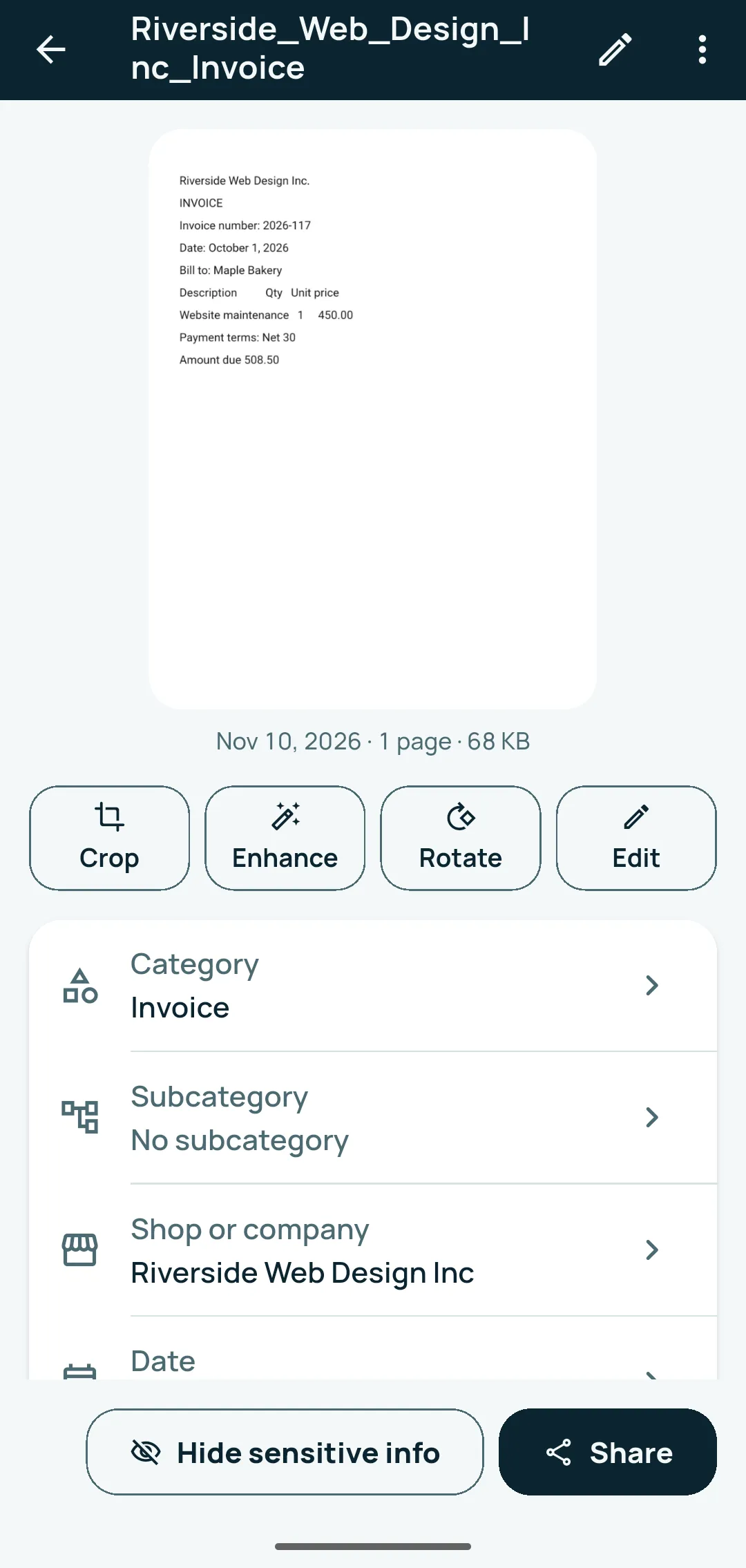
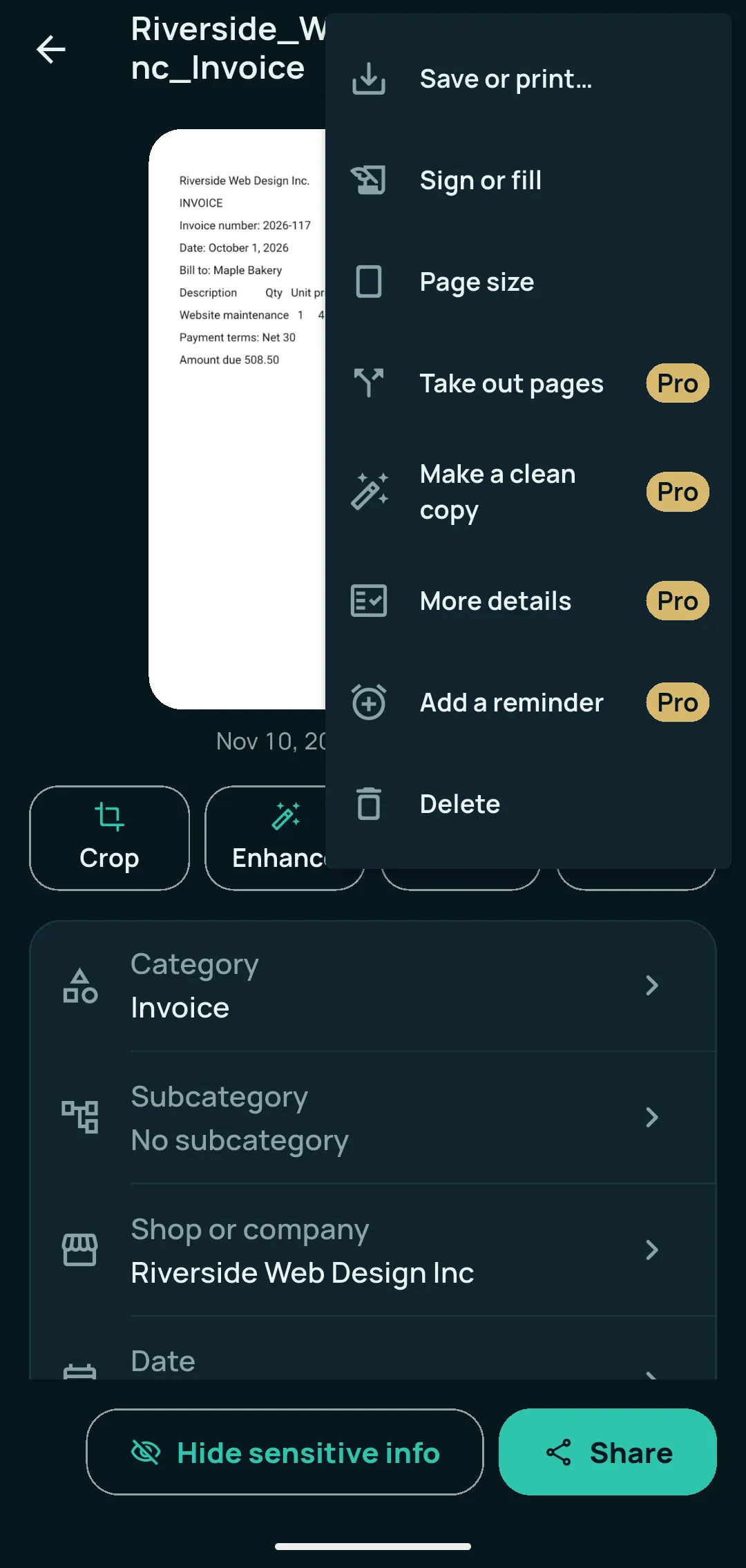
The whole app is in English and Canadian French, following your phone’s language. You can scan, save, find and share using TalkBack. Every main screen works with text up to 200%, colours pass contrast checks in light and dark, and meaning never relies on colour alone. Choose Light, Dark or Same as phone. On tablets and foldables, the list and the open document sit side by side. Help & troubleshooting works offline.
There is no language setting inside the app: change your phone’s language to switch.
All of this, free to start.
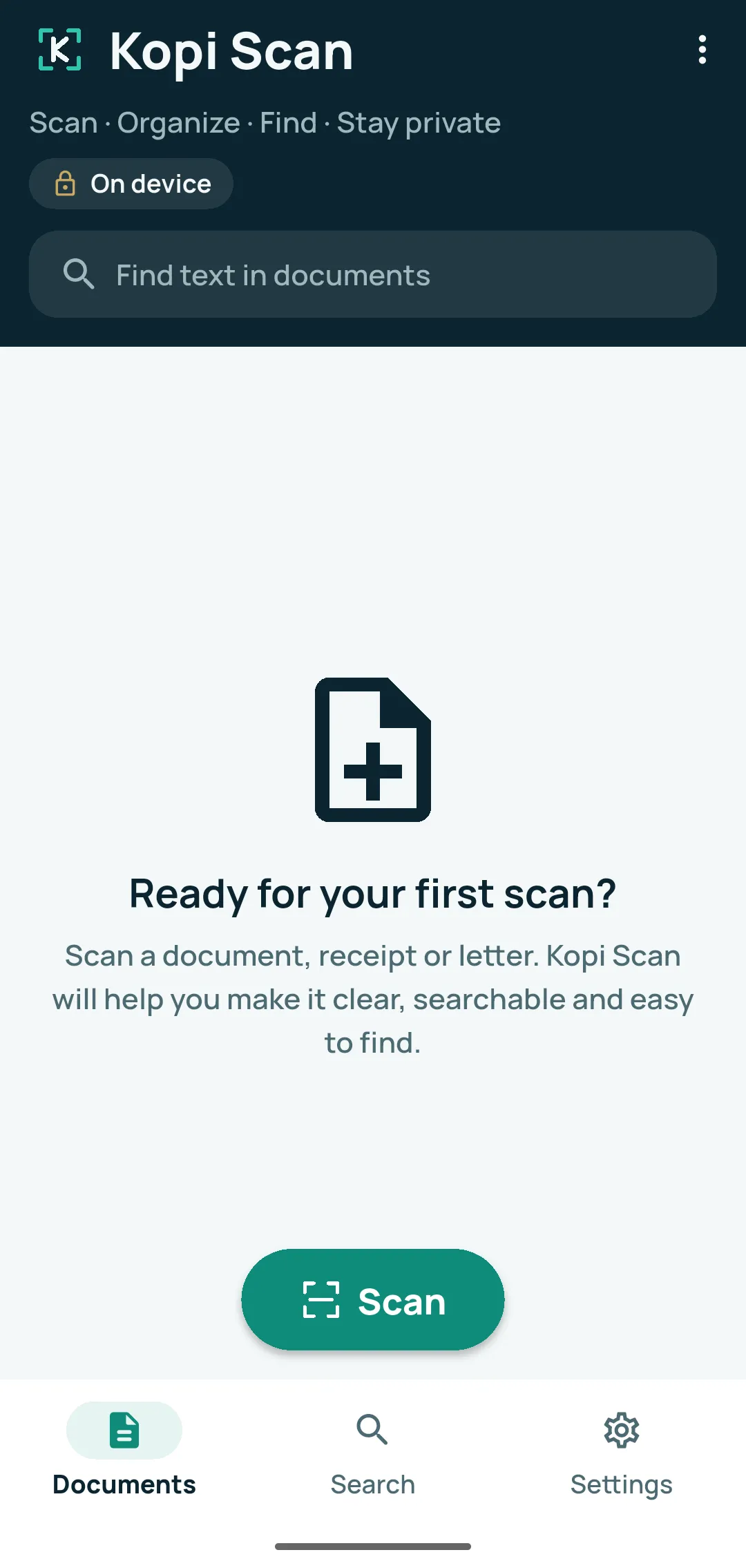
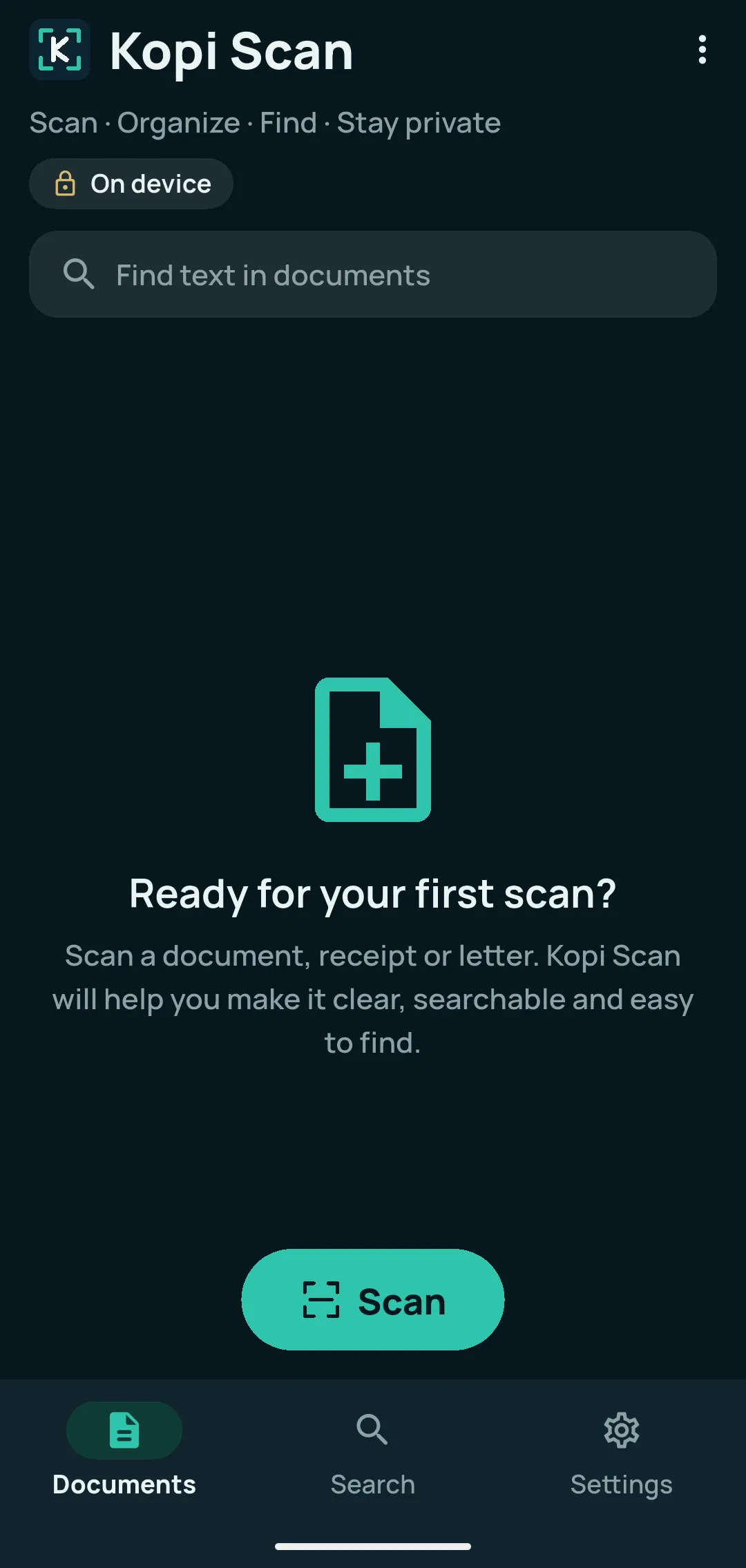
Core features are free with no page limit, no watermark and no ads. Kopi Scan Pro is optional.
For Android 7.0 or newer.